
SKILLS 2 – Engineer equipment and control codes
This SKILL engages you in engineering equipment and control codes for an autonomous robot, sent from the Space Station, to successfully complete each of the missions.
Your Task
Tick off each mission as you design and create attachments, code and successfully practice each mission.
Take photos of robot with attachment activating the mission.
Add photos to a document page for later printing – include photo of your patch.
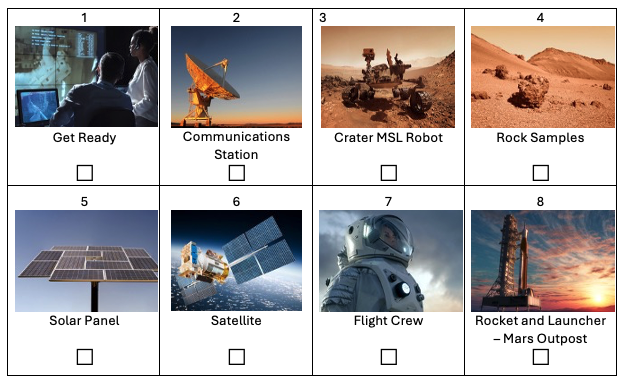
Activate Communications
Set me up!
The robot navigates to the satellite dish and then pushes on it until it’s fully upright.
What are some ways in which the robot could navigate to the Communications Station?
What are some ways that the robot could push the satellite dish carefully and accurately into an upright position?
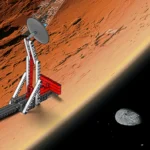
Assemble Your Crew
The Flight Commander is ready to go!
A robot navigates to the lunar base, picks up the flight commander, and sets her down at the base area.
What are some ways in which the robot could navigate to the pick up the flight commander from the lunar flight base and set her down at the base area?
Idea:
Use the Colour Sensor in Colour Mode to detect when the robot reaches the lunar base on the Challenge Mat. Use the Colour Sensor in Reflected Light Intensity Mode to identify the flight commander.
Free the MSL Robot
Help! I’m trapped in a crater!
The robot navigates to the crater and frees the MSL robot so that all six of its wheels are back on the Martian surface.
What are planetary rovers?
How can they help humans to explore space?
What are some ways in which the robot could navigate to the crater and free the MSL robot?
Idea:
If the your robots run into the Rock Sample that’s in front of the crater, suggest that you complete the Return the Rock Samples mission first.
Launch the Satellite
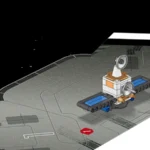
Comms relay satellite is ready to orbit!
The robot navigates to the marked area and places the Satellite inside of it.
Which type of motorised mechanism could be used to place the Satellite carefully and accurately within the marked area?
What are some ways in which the robot could navigate to the marked area and place the Satellite inside of it?
Idea:
Instead of using the Colour Sensor to find the marked area on the Challenge Mat, navigate a carefully planned trajectory (path) by measuring the angle and distance.
Return the Rock Samples
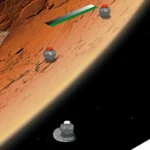
Studying the composition of rocks – understand the history and evolution of the surface.
The robot collects the Rock Samples and returns all three of them to the base area.
What’s is one device that is used to analyse the composition of samples?
Which chemical elements would you be most interested in finding?
Think about ways in which the robot could return the Rock Samples to the base area.
Which type of motorised mechanism could be used to collect the Rock Samples carefully and securely?
Idea:
Suggest that you build a module that’s big enough to collect all three Rock Samples in one go.
Secure the Power Supply
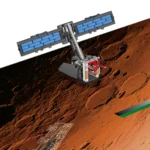
Zzzt! Zzzt! Power’s on!
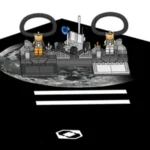
The robot navigates to the Solar Panel and rotates the handle until it’s fully unfolded and stays in an upright position.
What are the strengths and weaknesses of using solar arrays as a power supply for the Mars Outpost?
Think about ways in which the robot could unfold the Solar Panel.
Which type of motorised mechanism could be used to collect rotate the handle?
Idea:
Use the Colour Sensor in Colour Mode to detect the green line on the Challenge Mat. Use the Colour Sensor in Reflected Light Intensity Mode to line up the robot using the gradient.