Interactive Quiz
Using your PowerPoint on AI, Create a Quiz Kiosk which allow users to test their knowledge about your AI Topic The Action Settings and Animation Triggers guides in the skills section should help you
Using your PowerPoint on AI, Create a Quiz Kiosk which allow users to test their knowledge about your AI Topic The Action Settings and Animation Triggers guides in the skills section should help you
Using PowerPoint, create an a PowerPoint presentation about anything to do with Artificial Intelegence Your presentation should include Sample Presentation Workbook Pages
PowerPoint about AI Read More »
Create a Poster Planning in your Workbook You must include Poster Design Graphics Skills Complete the skills tasks of 1. Image & Textbox2. Word Art3. Images in shapes and text Create your Design Create a poster using Microsoft Word Workbook Pages
Scratch An online block based programming tool https://scratch.mit.edu/ Yr 8 2025 Challenges Students should complete any 5 challenges from the groups below.Each challenge is work 5 X Custom Game or Geometry Dash Build a custom game or Geometry Dash and add it to the MLSHS scratch studio Introduction to Scratch More Scratch Challenges Harder Scratch
Scratch Challenges – Level 2 – 2025 Read More »
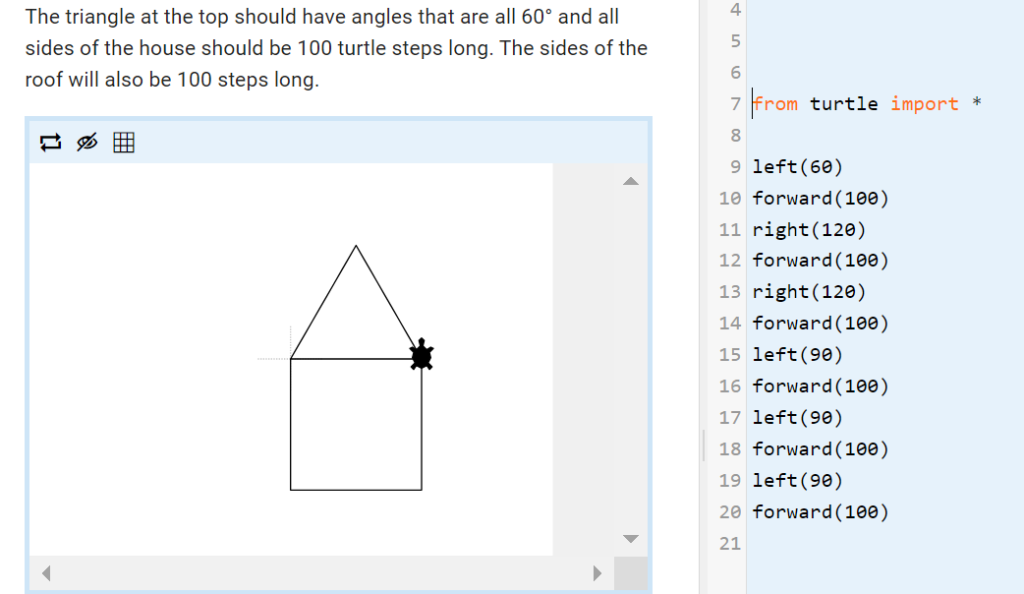
Write code to control a turtle and draw fantastic pictures! Control a turtle and draw amazing pictures with code. In this challenge you’ll learn the fundamentals of programming by using instructions to position a turtle on the screen. You’ll draw lines, patterns and shapes in the same way computers draw images on the screen. Everything
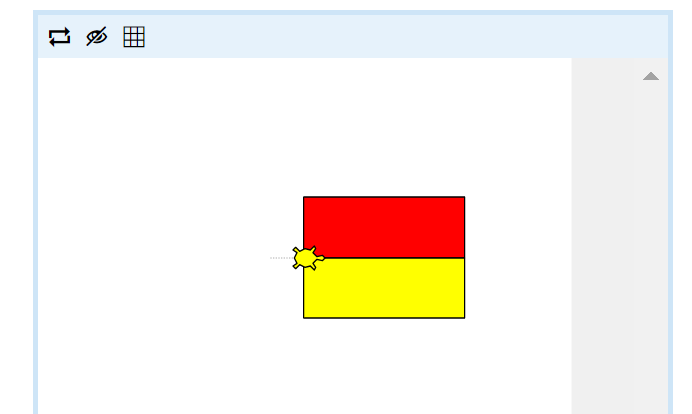
Write code to control a turtle and draw fantastic pictures! Control a turtle and draw amazing pictures with code. In this challenge you’ll learn the fundamentals of programming by using instructions to position a turtle on the screen. You’ll draw lines, patterns and shapes in the same way computers draw images on the screen. Everything
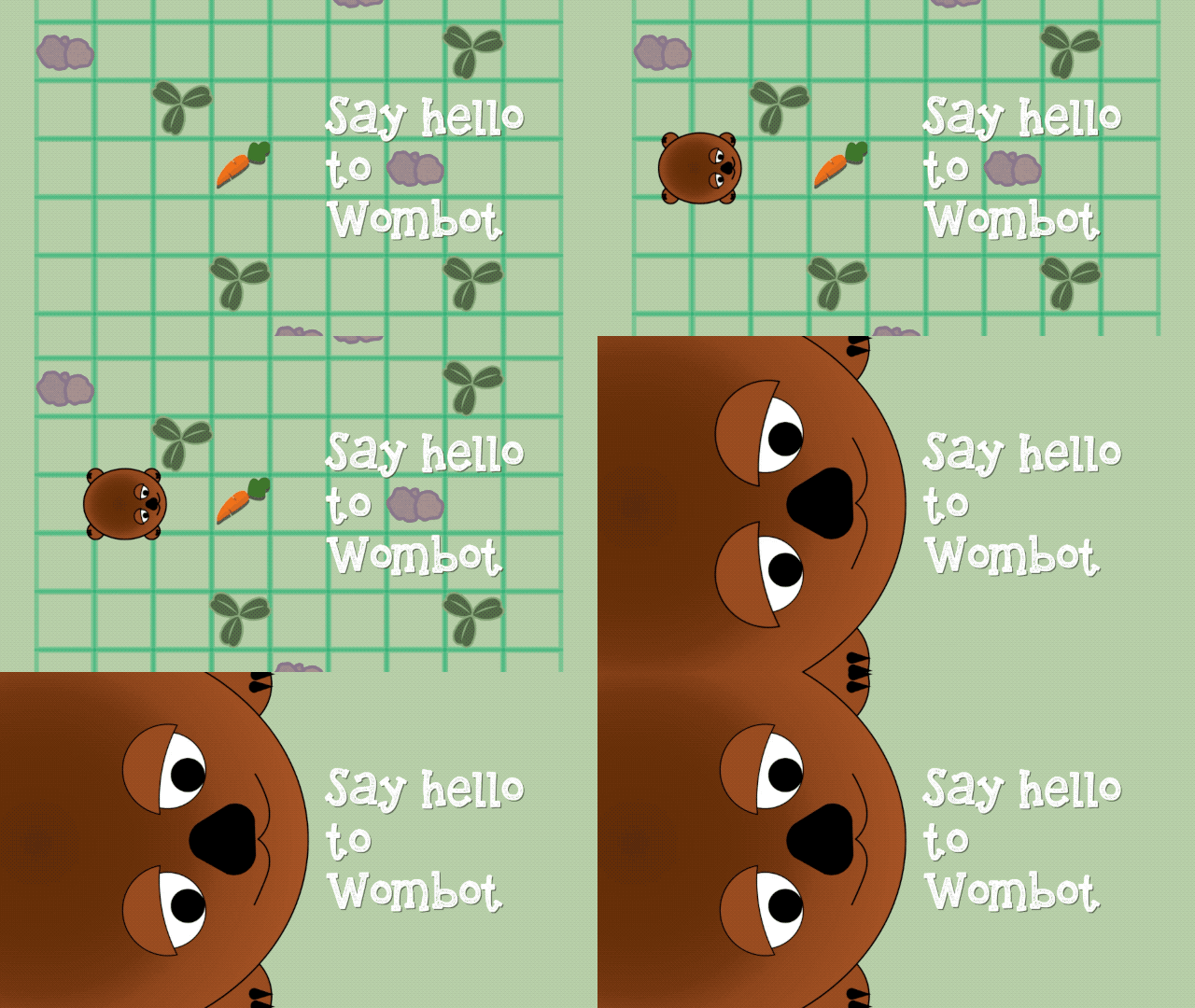
Write code to help Wombot move, turn and find delicious carrots to eat! Wombot is hungry and wants a carrot! With simple code, help Wombot through mazes, and learn to draw lines and shapes with code. In this challenge you’ll learn the fundamentals of programming by using instructions to position Wombot on the screen. You’ll
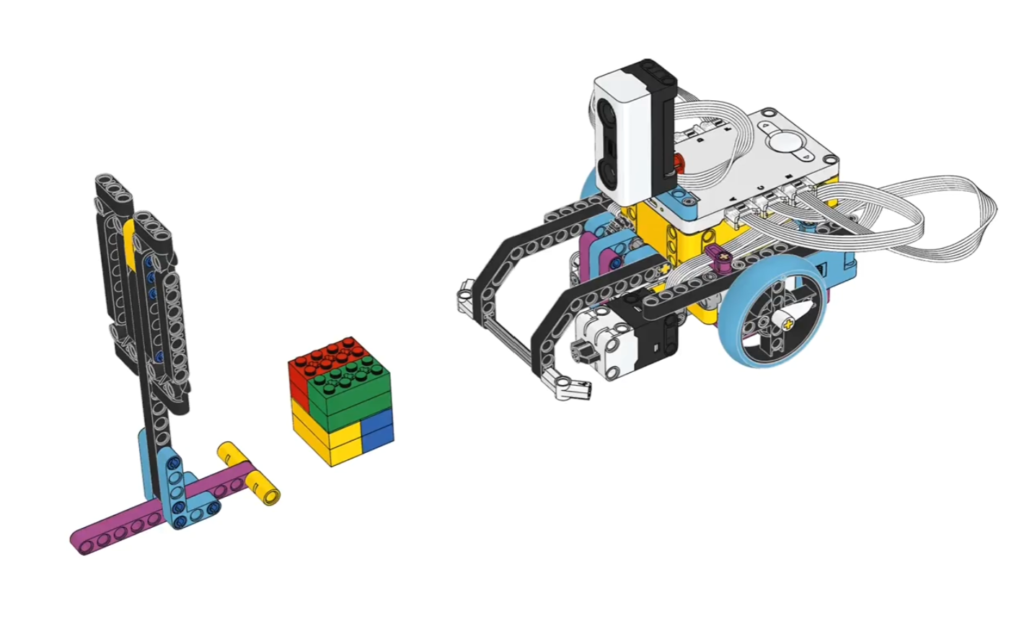
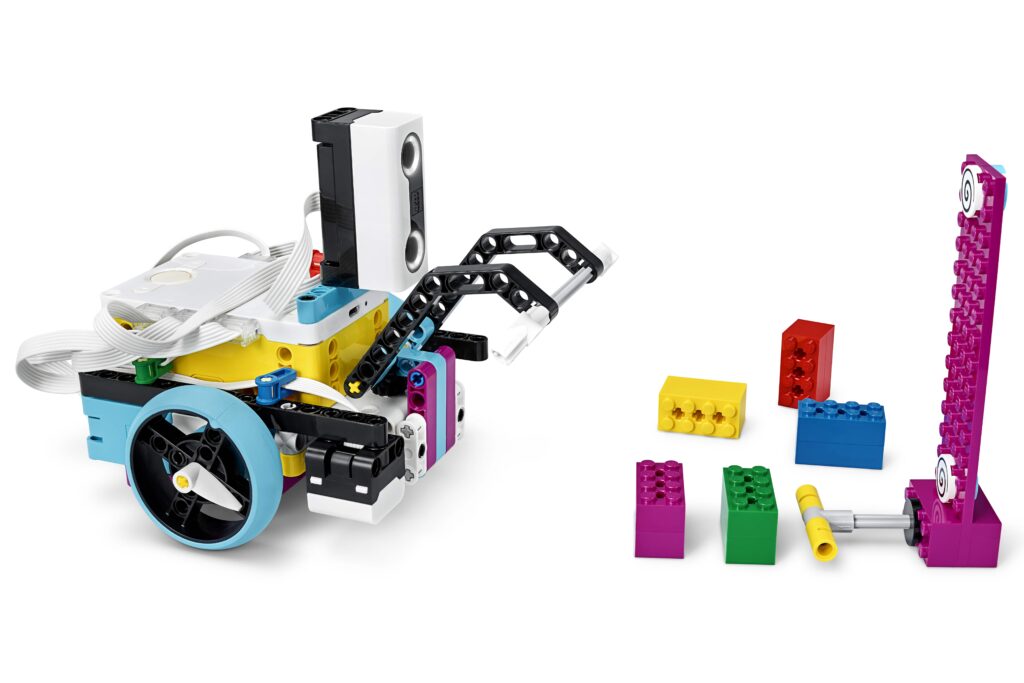
1. Follow the link to the Spike Lego website https://spike.legoeducation.com/ 2. Select Spike PRIME 3. Select Spike Unit Plans 4. Select Spike Competition Ready 5. Select Spike Training Camp 2 – Playing with Objects Watch the videoComplete the TASK with the multi coloured cube.
Collecting Objects Read More »
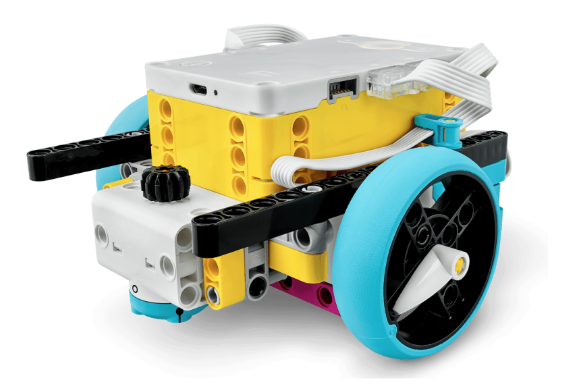
1-2 lessons Learning Goals In this section of work, students will build and code Spike Prime robots to perform an autonomous tasks. Success Criteria Students will demonstrate their skills by: Steps: If you have internet access 1. Follow the link to the Spike Lego website https://spike.legoeducation.com/ 2. Select Spike PRIME 3. Select Spike Unit Plans 4. Select Spike Competition Ready