Find the bug
Create a game in which you have to find a hidden bug 🐞 on each level. The game will have ‘start’ and ‘end’ screen backdrops, and a timer ⌚ to show the player how quickly they found the bugs. You will:
Create a game in which you have to find a hidden bug 🐞 on each level. The game will have ‘start’ and ‘end’ screen backdrops, and a timer ⌚ to show the player how quickly they found the bugs. You will:

Create an animation with sprites that run or fly to catch a bus 🚌. You will: Click here for the instructions

Create a space scene with characters 👾 that ‘emote’ to share their thoughts or feelings. In Scratch, characters and objects are called sprites, and they appear on the Stage. You will: Click here for the instructions
Welcome to the Escape Estate! Use coding and computational thinking – in Block or Python – to unlock secrets, open trap doors, and reveal hidden clues to escape the mysterious mansion by dawn. In you have Minecraft Education installed, just click on the Minecraft World Link.otherwise click on the Download Minecraft Education link Escape Estate:
Experience a choose-your-own-adventure game, exploring key moments in human achievement. Using your coding superpowers, save the future by solving mysterious mishaps in time In you have Minecraft Education installed, just click on the Minecraft World Link.otherwise click on the Download Minecraft Education link Timecraft: Minecraft World Link Download Minecraft Education
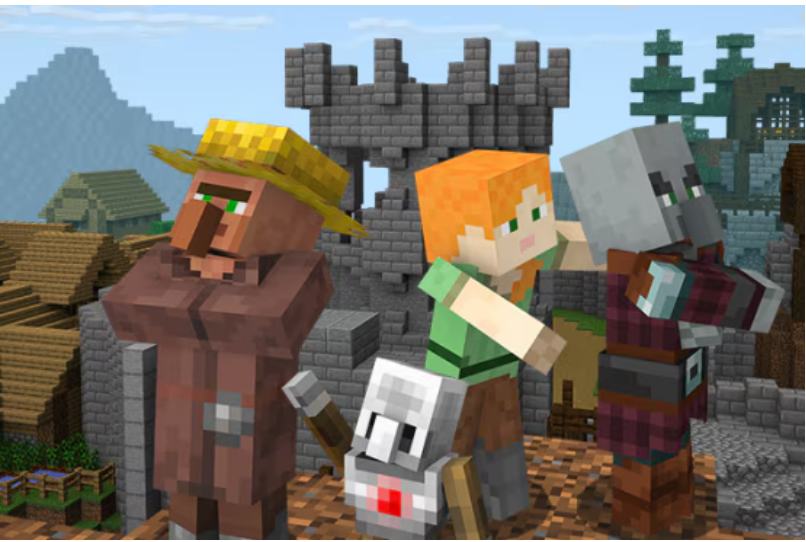
Use block-based or Python code to bring two villages together. Students also explore themes of empathy, diversity, inclusion, and cooperation. In you have Minecraft Education installed, just click on the Minecraft World Link.otherwise click on the Download Minecraft Education link Inclusion: Minecraft World Link Download Minecraft Education
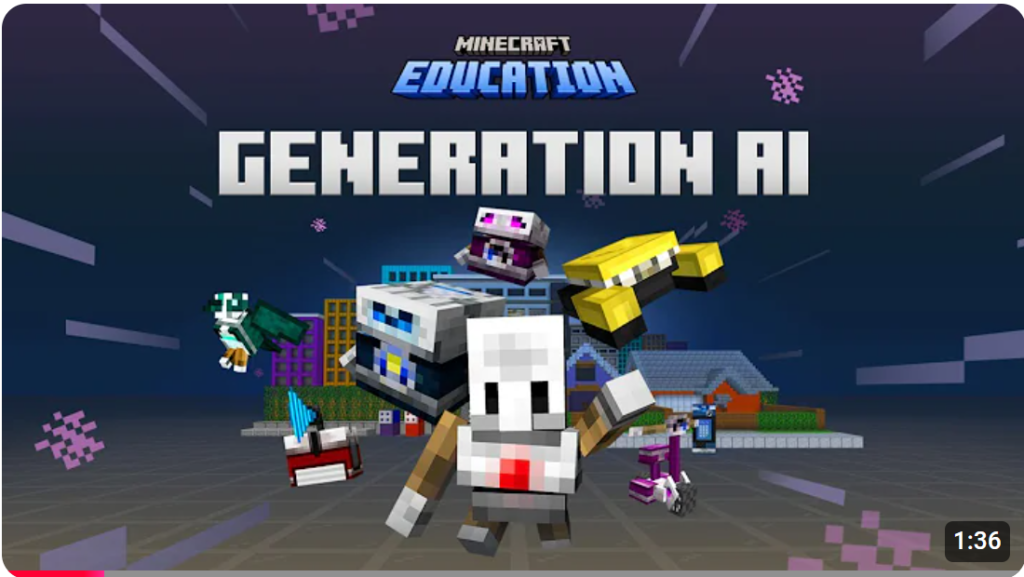
Venture through time to create helpful AI-powered inventions. Use coding and creativity – in Block or Python – along with the principles of responsible AI and build better AI for all. In you have Minecraft Education installed, just click on the Minecraft World Link.otherwise click on the Download Minecraft Education link Generation AI: Minecraft World
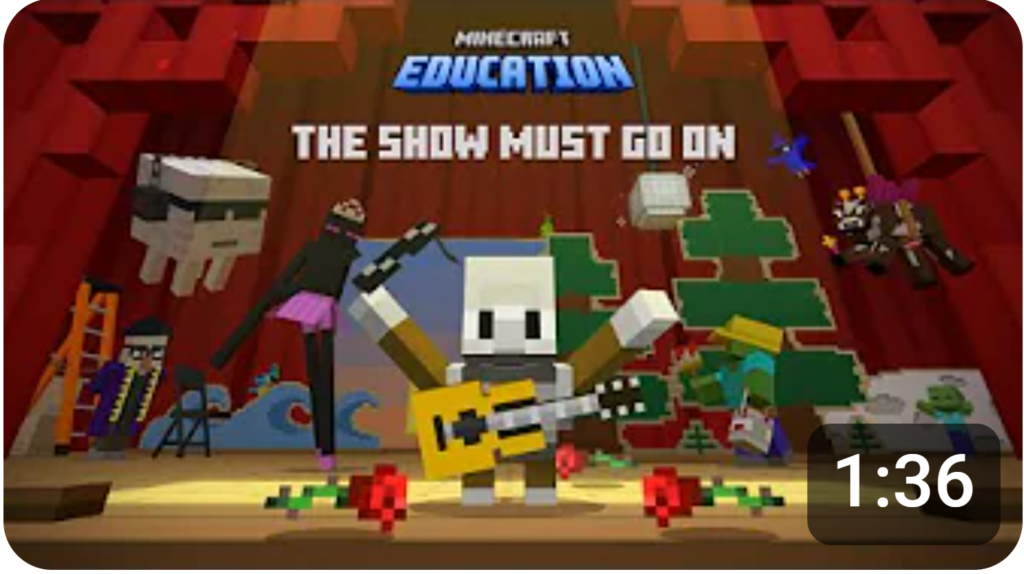
Step into the theatre to save the day! Solve coding puzzles, unlock hidden gags, and customize the show. Help The Agent overcome stage fright and watch your coding skills shine in the grand finale! In you have Minecraft Education installed, just click on the Minecraft World Link.otherwise click on the Download Minecraft Education link The
The Show Must Go On Read More »
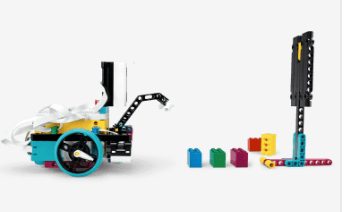
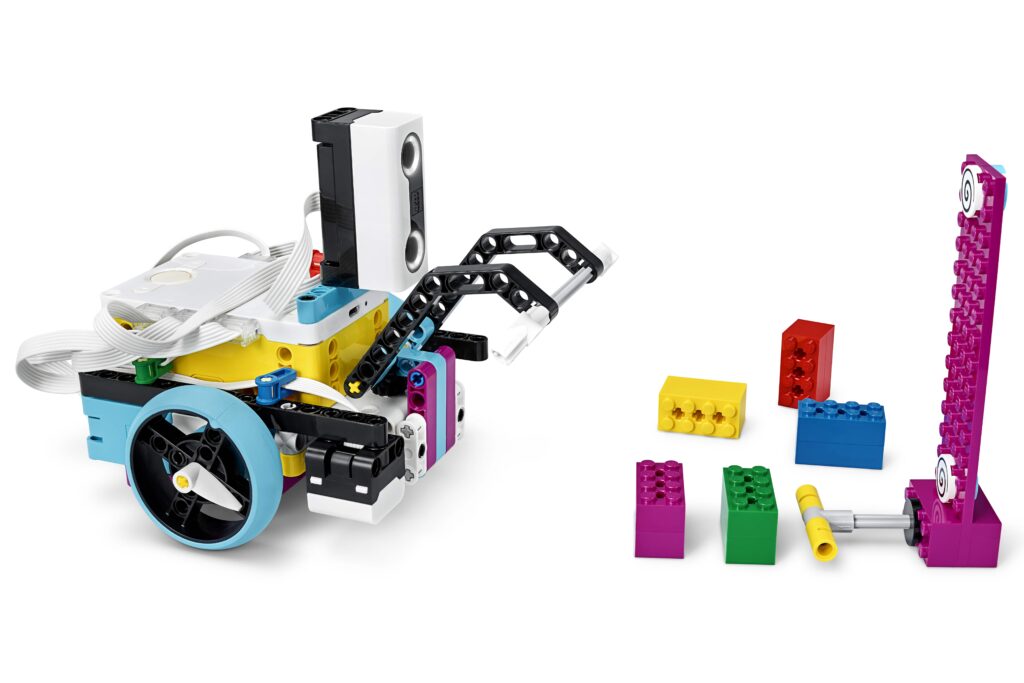
1. Follow the link to the Spike Lego website https://spike.legoeducation.com/ 2. Select Spike PRIME 3. Select Spike Unit Plans 4. Select Spike Competition Ready 5. Select Spike Training Camp 2 – Playing with Objects Watch the videoComplete the TASK with the FOUR different coloured objects.