3. Racey – Movement
STEP Three – A STEP Three – B Run your code You should see a screen like this and you should be able to use the arrow keys to move the car
3. Racey – Movement Read More »
STEP Three – A STEP Three – B Run your code You should see a screen like this and you should be able to use the arrow keys to move the car
3. Racey – Movement Read More »
Create a Project Folder Save the following image (racecar.png) into your project folder (you probably called it Racey)– be sure to name the image file racecar.png STEP Two – A STEP Two – B STEP Two – C Run your code You should now see a white screen with a race car.
2. Racey – Display Images Read More »
Create a Project Folder Add a new folder where you save your school work and call in Racey Run VS Code, then open the Racey folder you created. Now create a new file and call it racey.py Add the following code to your code file Run your code You should see a window like the one below with
1: Racey – Initial Setup Read More »
Racey NOTE: You will need to have both Python and Pygame installed to use this tutorial. ONE: Follow the Build Basic Game steps to create your first python game TWO: Choose from the Add One Tasks to extend your game This tutorial based on content from https://pythonprogramming.net/ pygame install error If you have had issues with
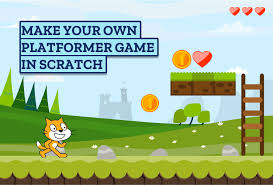
Scratch An online block based programming tool https://scratch.mit.edu/ Custom Game Using the skills and Ideas you have learned completing the challenges you chose, design a build your own Custom Game Submit your custom game Follow the follow steps to submit your game Submitting your Game Two things you need to do before you can submit
Scratch Challenges – Custom Game Read More »
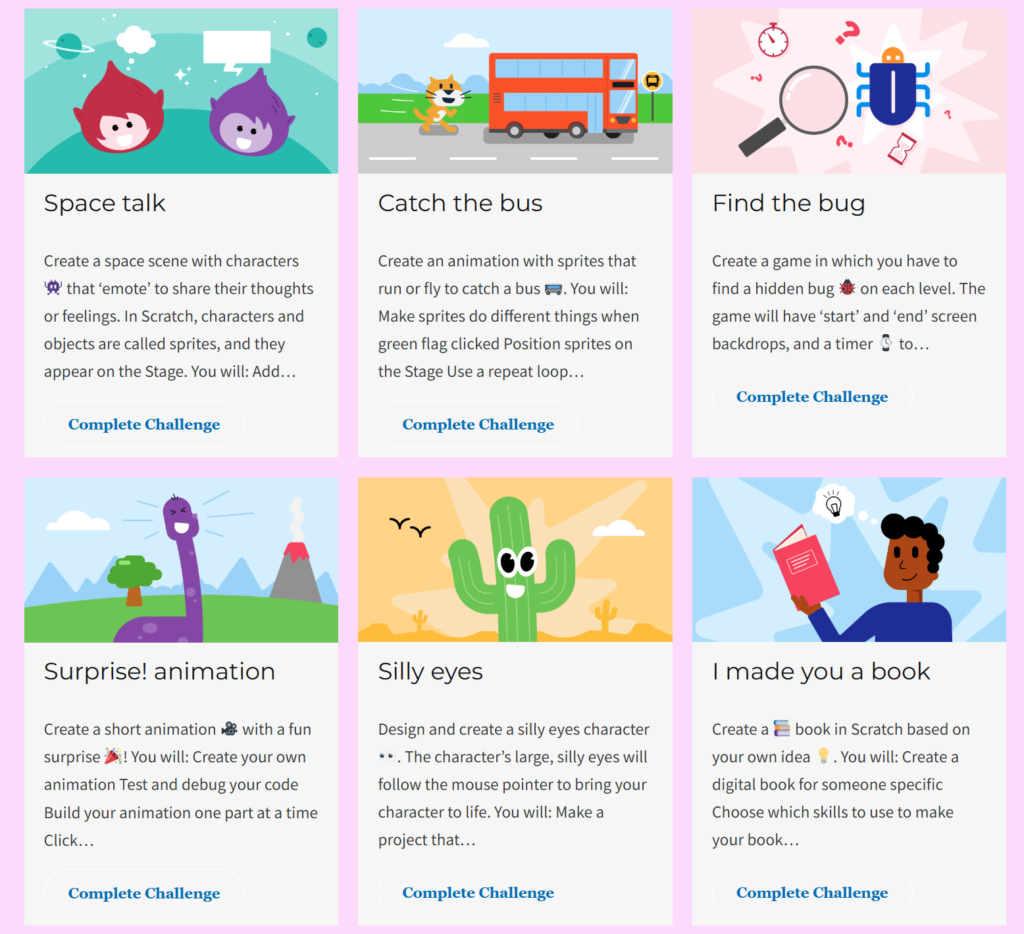
Scratch An online block based programming tool https://scratch.mit.edu/ Introduction to Scratch More Scratch Challenges Harder Scratch Challenges
Scratch Tutorials for Beginners Read More »
Scratch An online block based programming tool https://scratch.mit.edu/ Custom Game Challenge
Scratch Challenge – Custom Game Read More »
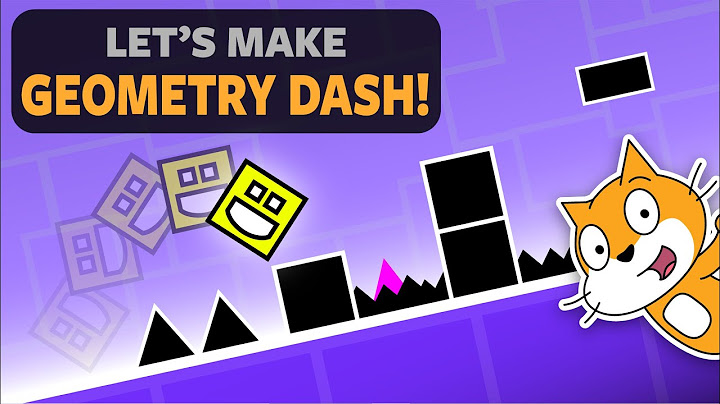
1. How to make a Scratch Game 2. Platform Collisions 3. Particle Trails 4. Epic Explosions
Geometry Dash – Scratch Read More »
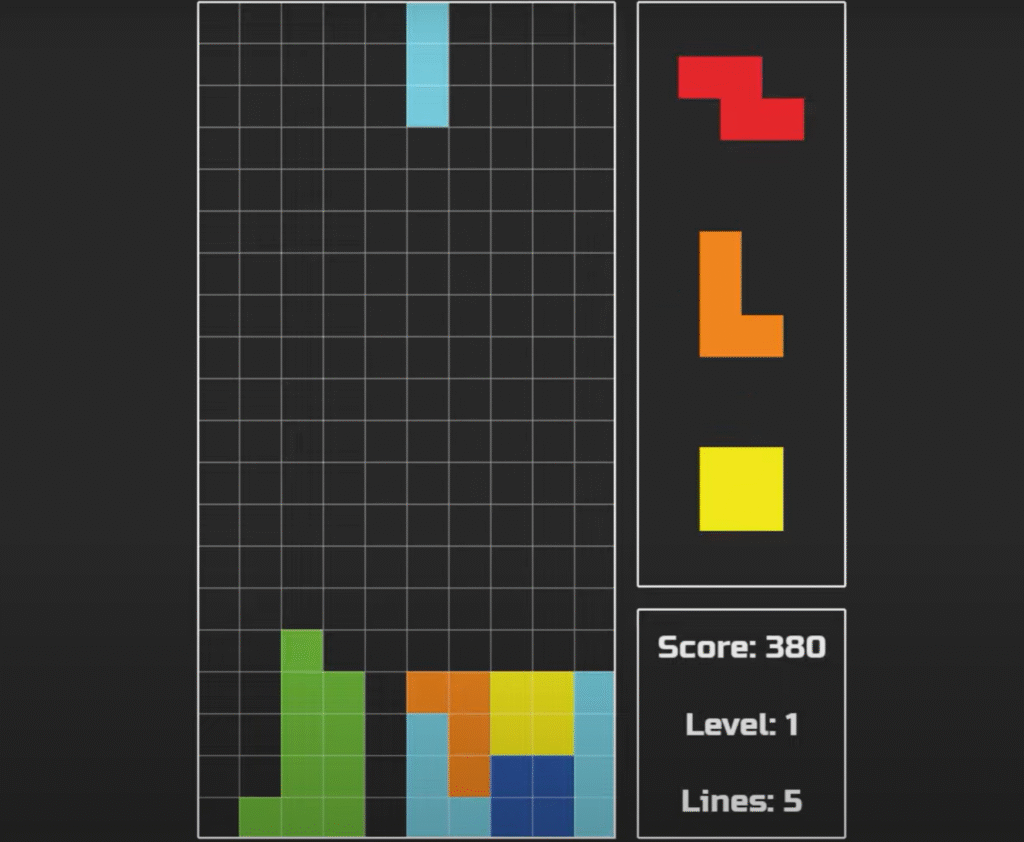
13 Tutorial Videos, 170 minutes, 12 hour build time — A Tetris close 1. Introductions 2. Making Panels 3. Game Grid 4. Making Shapes 5. Moving Shapes Down 6. Using Input 7. Collisions Part 1 8. Collisions Part 2 9. Clearing Rows 10. Rotating Shapes 11. Preview Next Shapes 12. Increasing Drop Speed 13. User

1 Tutorial Videos, 75 minutes, 4 hours build time — A clone of the classic 2048 game. 2048 – Full Tutorial