Design – Level 1
Knowledge Skills Challenges

Grok Challenges Accessing Grok Monitoring & Securing Networks Discover the tools cyber security professionals use to monitor the traffic that flows through their systems. Learn about the types of real world tools they use and the techniques and concepts they employ to keep their networks secure. Learn from experts about the roles the play throughout
Digital Systems Challenges – Level 2 Read More »
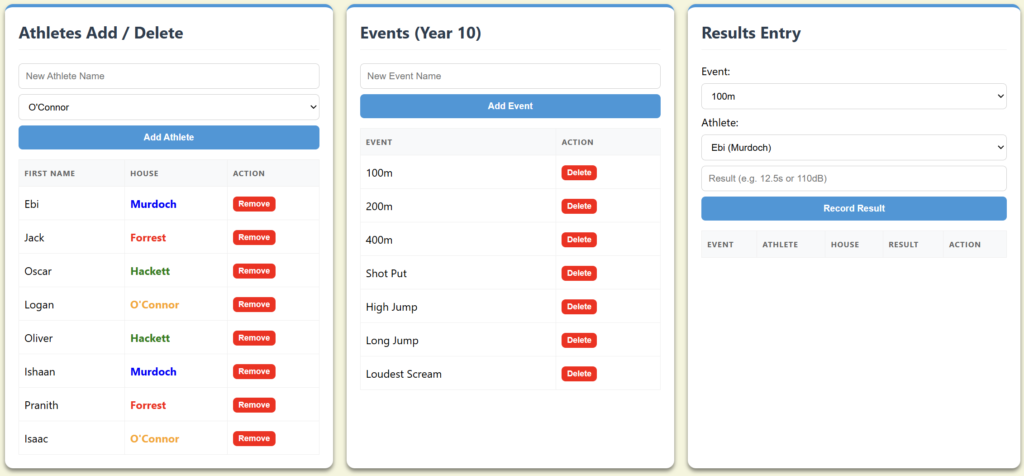
Athletics Carnival Create a Create a html file and add the following code HTML / CSS / JavaScript Understanding Web Code Download the following files: Load the student file into your broswer. Use that page to load the WebCoding_Master file For each question provide a code sample from the html above. Answer all questions Download
Web Task – Athletics Carnival Read More »
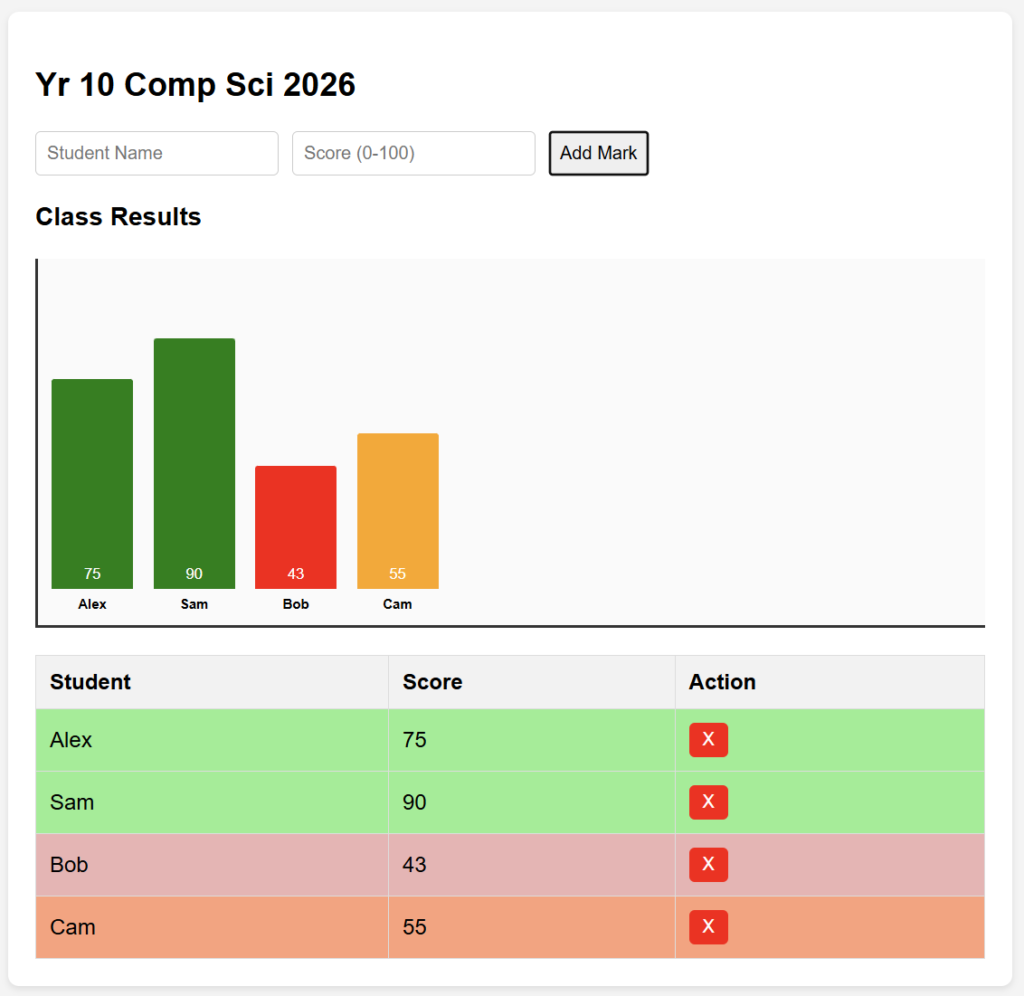
Student Marks Create a Create a html file and add the following code HTML / CSS / JavaScript Identify the following components in your code HTML CSS JavaScript Modifications HTML Change the Page Title to 10CompSci Results Change the Heading to Yr 10 Comp Sci 2026 Change the column names to Student Name, Mark, Action
Student Marks – Simple Read More »
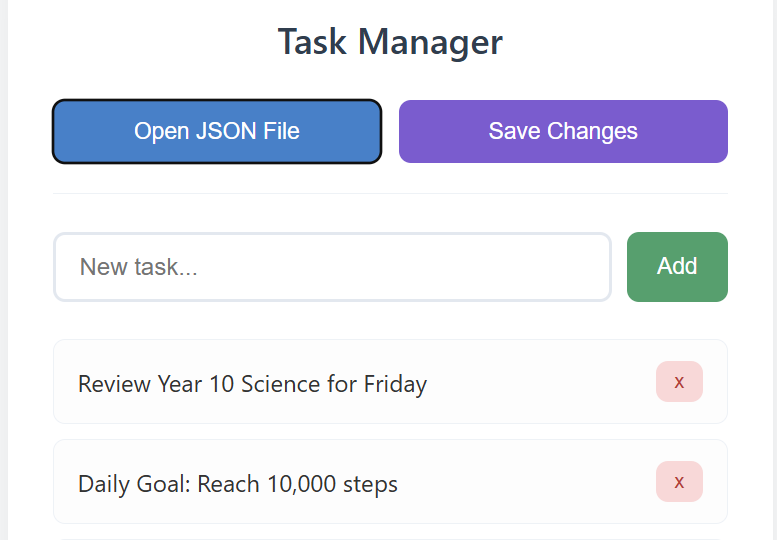
Updating your To-Do-List Using your code from the sample to-do-list complete the following Make sure you copy your code as you move from one task to another. ToDoList-V1 – Your basic to-do-list app ToDoList-V2 – Updated with new Priority Field ToDoList-V3 – Updated with new text field for who has been Assigned the task ToDoList-V4
To-Do-List Add Ons Read More »
Local or Online Development local: install Visual Studio Code. – Youtube Link online: browse to https://vscode.dev/ Step One: Create a Project Folder – File – Open Folder – ****locate your code folder and create a subfolder for your project (to-do-list) and create a subfolder in that (v1) Step Two: Create the FOUR files Step Three:
Simple – HTML, CSS, JS Read More »