Grok Challenges
Accessing Grok
- Open a browser a go to Grok Learning
https://groklearning.com/ - Click on the login button at the top right of the web page.
- Click on the Use Microsoft Tab
- Type in your school email
firstname.lastname@student.education.wa.edu.au
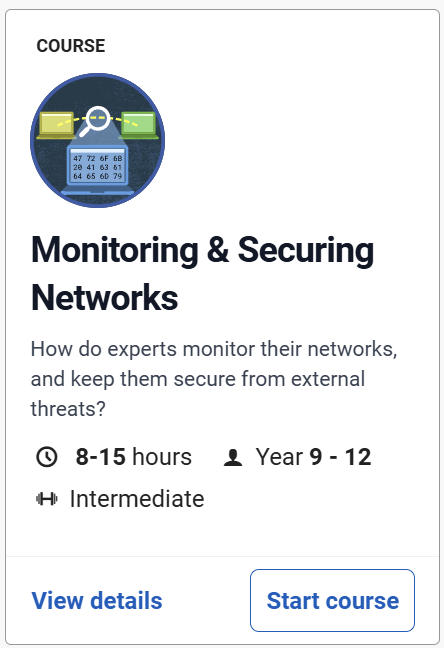
Monitoring & Securing Networks
Discover the tools cyber security professionals use to monitor the traffic that flows through their systems. Learn about the types of real world tools they use and the techniques and concepts they employ to keep their networks secure. Learn from experts about the roles the play throughout this process.
Steps
- Log onto the Grok Learning web site: https://groklearning.com/
- Click on Browse all Courses
- Type Networks into the search tool
- Find the Monitoring & Securing Networks course
- Click Start Course
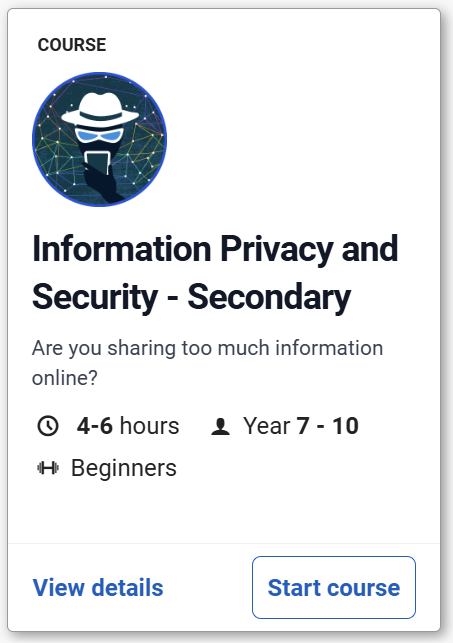
Information Privacy and Security
Discover the tools cyber security professionals use to monitor the traffic that flows through their systems. Learn about the types of real world tools they use and the techniques and concepts they employ to keep their networks secure. Learn from experts about the roles the play throughout this process.
Steps
- Log onto the Grok Learning web site: https://groklearning.com/
- Click on Browse all Courses
- Type Information into the search tool
- Find the Information Privacy and Security course
- Click Start Course