
Custom Game
Using the skills and Ideas you have learned completing the challenges you chose, design a build your own Custom Game
Submit your custom game
Follow the follow steps to submit your game
- Verify your Email
- Share your chosen project
- Submit your game
Submitting your Game
Two things you need to do before you can submit your game
- Verify your Email
- Share your chosen project
then
Search for MLSHS 2026, click Studios..
Click here Open the MLSHS 2026 Studio
Copy the URL of you custom game and paste it into the Add Project Box.

Name your project using the following format:
Year-Class Protect Name – Student Name
e.g 8-6 Bullseye Mr Roche
Verifying your email
If you do not see the Add Project box in the studio it is because you have not verified your email.
Go to the Account Settings in Scratch
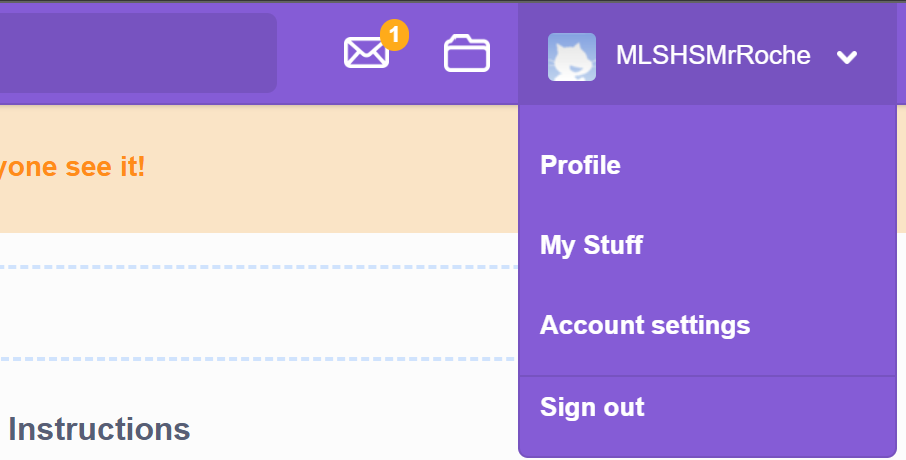
then click on email
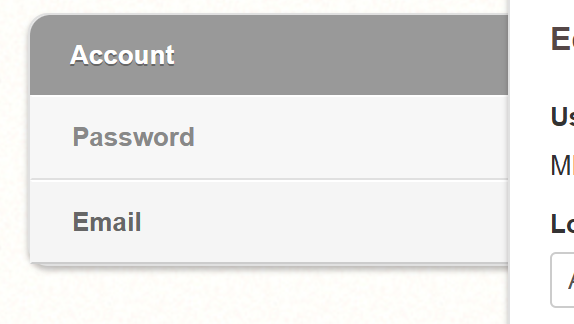
Then follow the instructions to get a confirmation email resent.
Then log on your email and click the verify link.
Sharing your Project
If you see this
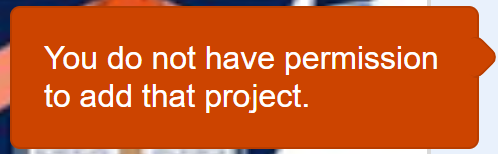
You need to share your project
simply click the share button

