Scratch – Scoring
Scoring Your game needs to keep score. For the more advanced programmer, you can keep a high score using Cloud variables Scoring High Score
Scoring Your game needs to keep score. For the more advanced programmer, you can keep a high score using Cloud variables Scoring High Score
Levels Your game needs to have at least TWO levels
Scratch – Game Levels Read More »
Introduction, Instruction and Ending screens Before you start build your game you need to create a game template which has Introduction Screen – which lets the user start the game or get instructions Instruction Screen – with details about how to play the game Ending Screen – The screen the player sees when the game
Scratch – Game Framework Read More »
Introduction: to Flowcharts A flowchart is a visual map of an algorithm. Instead of writing a wall of text, we use specific shapes to show exactly what is happening at every step. Flowchart Components Shape Name What it does Example Oval TerminatorStart / End The “Terminator.” It shows where the logic begins and where it
Flow Charts – Level 1 Read More »
The flowcharts are simple visual tools that help us understand and represent processes very easily. They use shapes like arrows, rectangles, and diamonds to show steps and decisions clearly. If someone is making a project or explaining a complex task, flowcharts can make complex ideas easier to understand. Table of Content What are Flowcharts? Flowcharts
Flow Charts – Level 2 Read More »
Games Programming in Scratch from PG Online Contents: Each of the lessons contain slides from a PowerPoint for the topic and include links to the tutorial files.
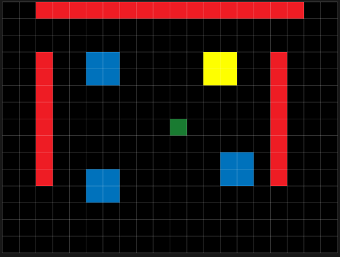
Basic Skills 2 Interactions You have created the basic structure of a game. Now to create interactions Events and Actions. // CREATE CODE//—–set player speed n_spd = 2; //—–normal speedr_spd = 3; //—–run speedspd = n_spd; //—–set start speed hspd = 0;vspd = 0;runspd = 0; // COLLISION WITH OBJ_PLAYER CODEgame_restart(); //COLLISION WITH OBJ_PLAYER CODEscore +=
L1 GM2 Basic Skills 2 Read More »
Basic Skills 1 Getting Started Place instances of objects on the instances layer: ** Next -> Basic Skills 2 – Interactions ** Back to Game Design – GameMaker 2
L1 GM2 Basic Skills 1 Read More »