Yr 8 2025
Challenges
Students should complete any 5 challenges from the groups below.
Each challenge is work 5 X
Custom Game or Geometry Dash
Build a custom game or Geometry Dash and add it to the MLSHS scratch studio
Introduction to Scratch
Space talk
Create a space scene with characters 👾 that ‘emote’ to share their thoughts or feelings. In Scratch, characters and objects are called sprites, and they appear on the Stage. You will: Add…

Catch the bus
Create an animation with sprites that run or fly to catch a bus 🚌. You will: Make sprites do different things when green flag clicked Position sprites on the Stage Use a repeat loop…

Find the bug
Create a game in which you have to find a hidden bug 🐞 on each level. The game will have ‘start’ and ‘end’ screen backdrops, and a timer ⌚ to…
Surprise! animation
Create a short animation 🎥 with a fun surprise 🎉! You will: Create your own animation Test and debug your code Build your animation one part at a time Click…

Silly eyes
Design and create a silly eyes character 👀. The character’s large, silly eyes will follow the mouse pointer to bring your character to life. You will: Make a project that…

I made you a book
Create a 📚 book in Scratch based on your own idea 💡. You will: Create a digital book for someone specific Choose which skills to use to make your book…
More Scratch Challenges
Broadcasting spells
Make an app where you use a magic wand to turn sprites into toads, and grow and shrink them. Click here for Instructions
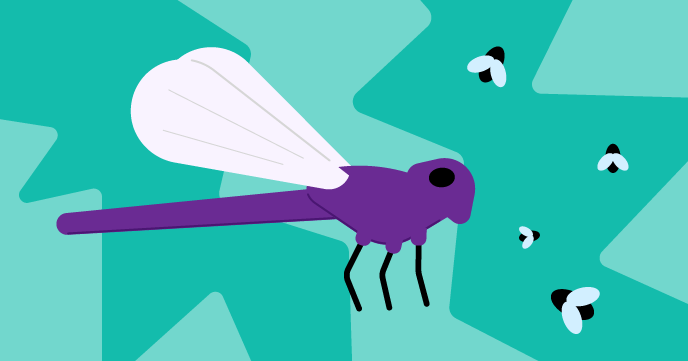
Grow a dragonfly
Make a nature app with a dragonfly that grows bigger as it eats insects. Move the mouse around the Stage to eat insects. How do the insects move? Which part…

Drum star
Make a clicker game where you earn beats to play new drums at bigger venues. Click the drum and watch the number of beats go up. Get a new drum when you…

Next customer please
Make a shop app where the customer can buy items from your shop. The project will be in first-person view where the player is a customer. Click on Space Fruit…

Don’t fall in!
Design and build a top-down view, obstacle or platform, parkour game. Your character will need to jump, hop, glide, bounce, or fly to catch a ride on moving platforms and…
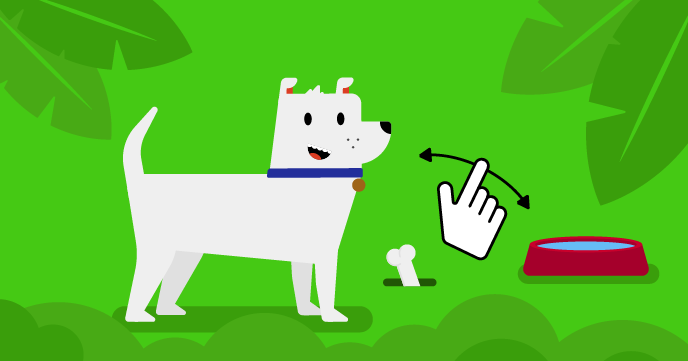
This sprite needs you
Create a virtual pet, character, or nature simulation that the user can interact with to help it. Your game will need to meet the project brief. Virtual pet games are one type…
Harder Scratch Challenges

Mandala
Create a program that generates mandalas. Click here for Instructions

Music maker
Design your own digital music maker! Invent a virtual musical instrument and experiment with sounds, colour, and more. Digital music is music that is made with numbers using computers. Digital music…
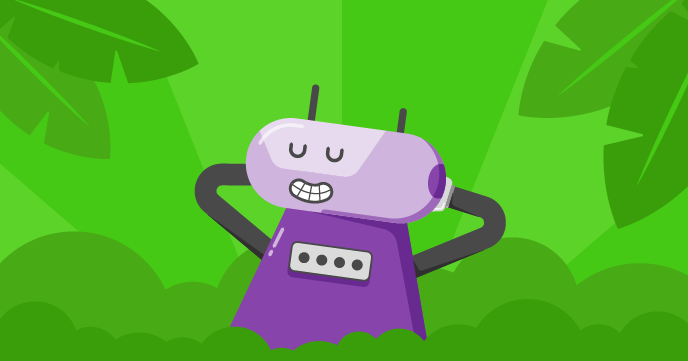
Nature rover
Create a wilderness scene for a nature rover to explore. Rovers are robots. They can be used to carry out science experiments in remote places, like Mars! They examine their surroundings…

Puzzle room
Create a spaceship puzzle room with a character that solves puzzles. Puzzle rooms, or escape rooms, are rooms containing puzzles that you must solve to get out of the room, or…
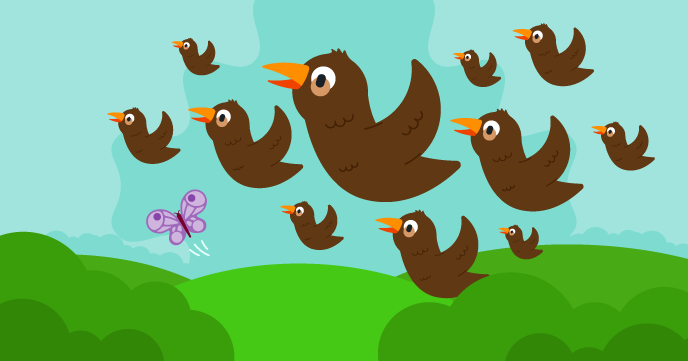
Swarms, schools, and flocks
Create a game that uses clones to make swarms of insects, schools of fish, flocks of birds, or any group of animals that you want. Groups of animals such as swarms,…

Welcome to my world
You are going to create a 2.5D scene or what is sometimes called a first person view (FPV) scene. Your game will need to meet the project brief. A 2.5D game uses tricks…
Custom Game
Using the skills and Ideas you have learned completing the challenges you chose, design a build your own Custom Game
Submit your custom game
Follow the follow steps to submit your game
- Verify your Email
- Share your chosen project
- Submit your game
Geometry Dash
Submit your game
Follow the follow steps to submit your game
- Verify your Email
- Share your chosen project
- Submit your game
Submitting your Game
Submit your game
Two things you need to do before you can submit your game
- Verify your Email
- Share your chosen project
then
Search for MLSHS 2025, click Studios..
Click here Open the MLSHS 2025 Studio
Copy the URL of you custom game and paste it into the Add Project Box.

Remember to name your project using the following format
Year-Class Protect Name – Student Name
e.g 8-6 Bullseye Mr Roche
Verifying your email
If you do not see the Add Project box in the studio it is because you have not verified your email.
Go to the Account Settings in Scratch
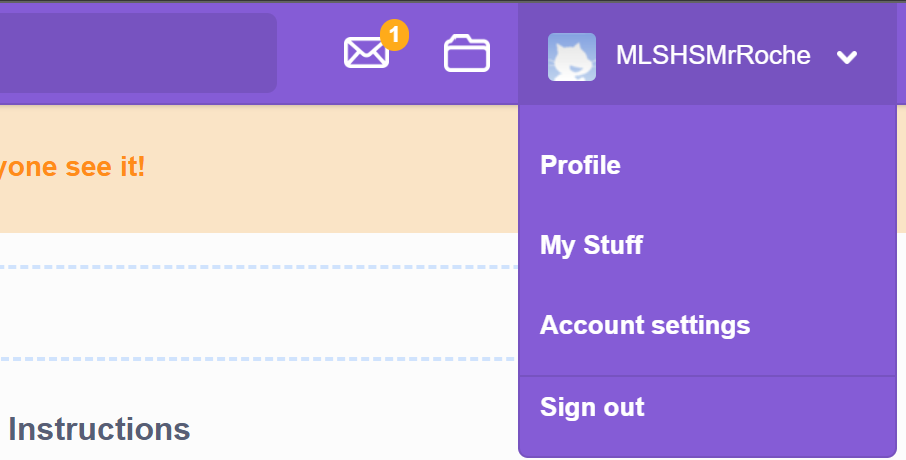
then click on email
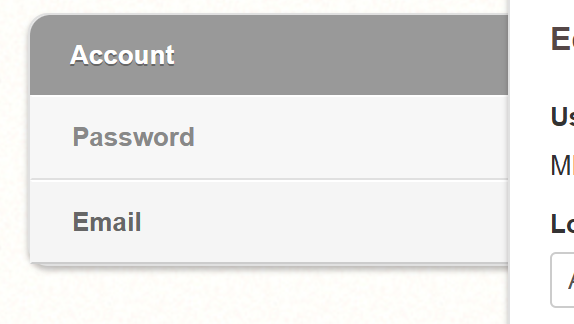
Then follow the instructions to get a confirmation email resent.
Then log on your email and click the verofy link.
Sharing your Project
If you see this
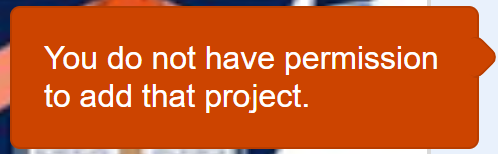
You need to share your project
simply click the share button

